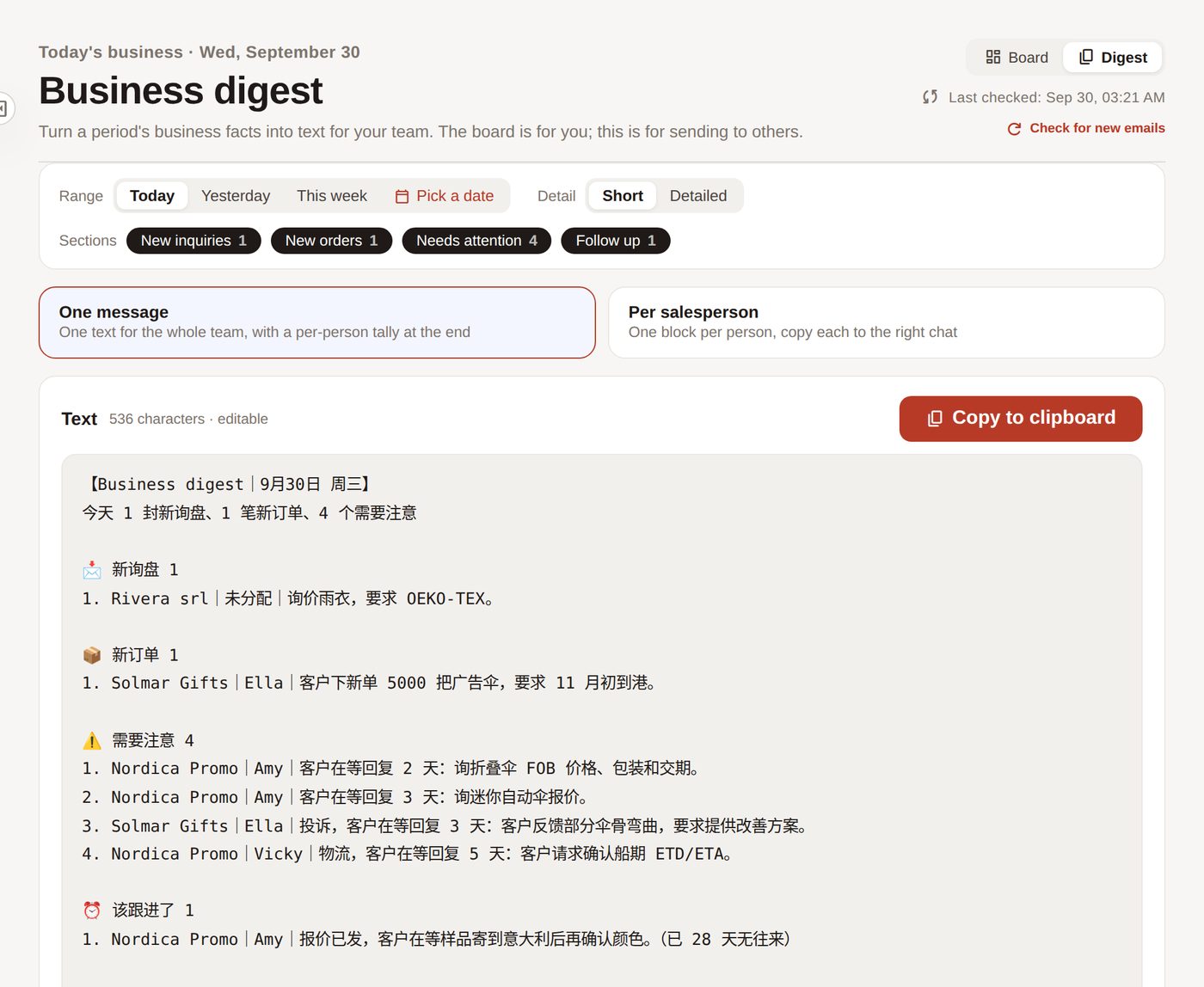
Daily digest, ready to paste
Who got enquiries, who has orders, whose customers are waiting — one click to copy into your team chat.
Enquiries, orders, complaints — picked out, sorted, ready for management.
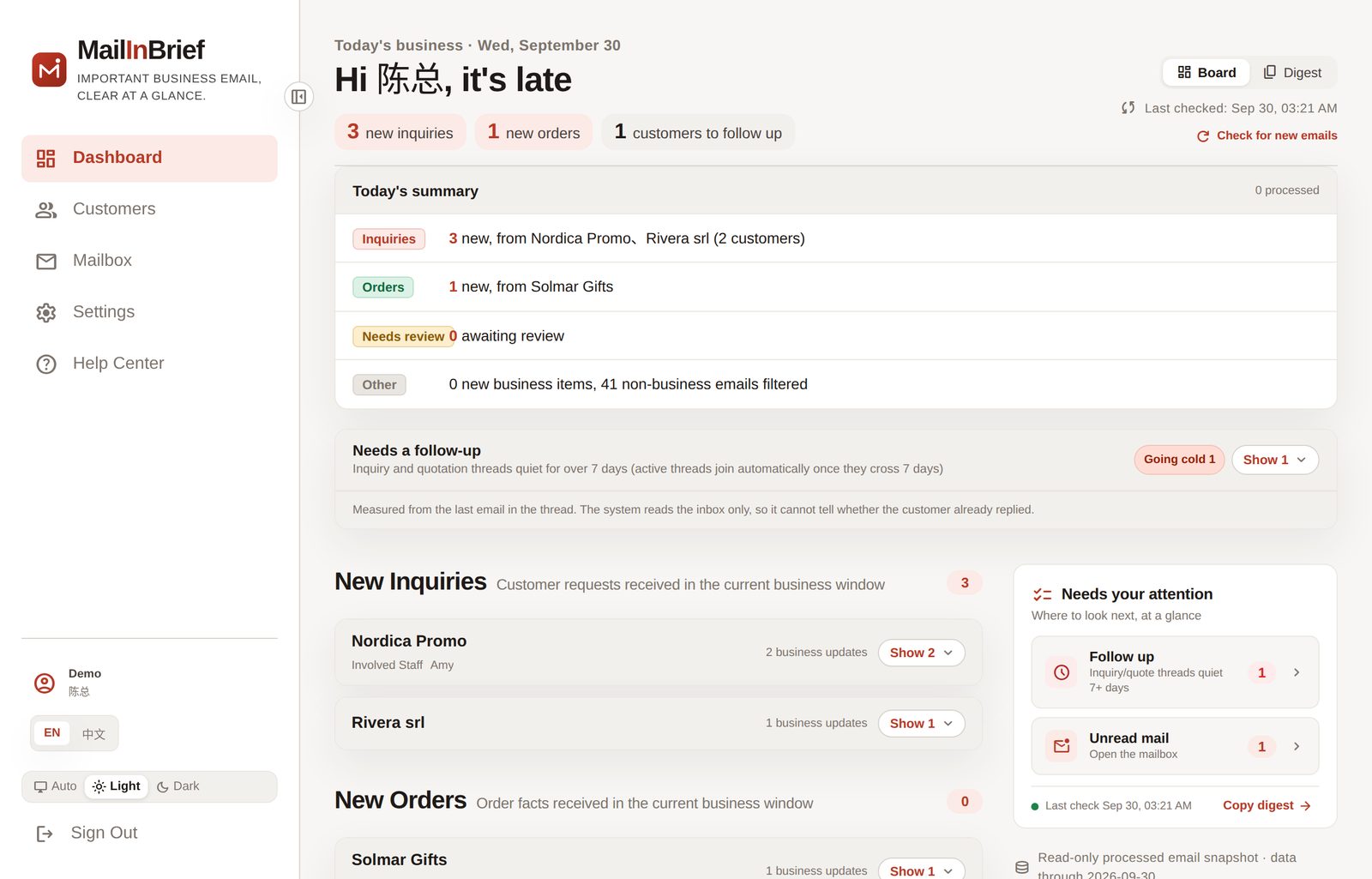
Today's business · demo data
I've been in export trade for over a decade. As a manager you don't read one mailbox — you read the whole company's. Going through them one by one eats a morning, and the urgent ones often turn up last. Some enquiries never turn up at all: the mail server had dropped them in the junk folder. This tool was built for my own company first: read every mailbox, and tell me what to watch today.
— FounderSimple, fast, and you know where to look.
Who's asking, which ones are real
Which order moved, who it's waiting on
Who's unhappy, how long unanswered
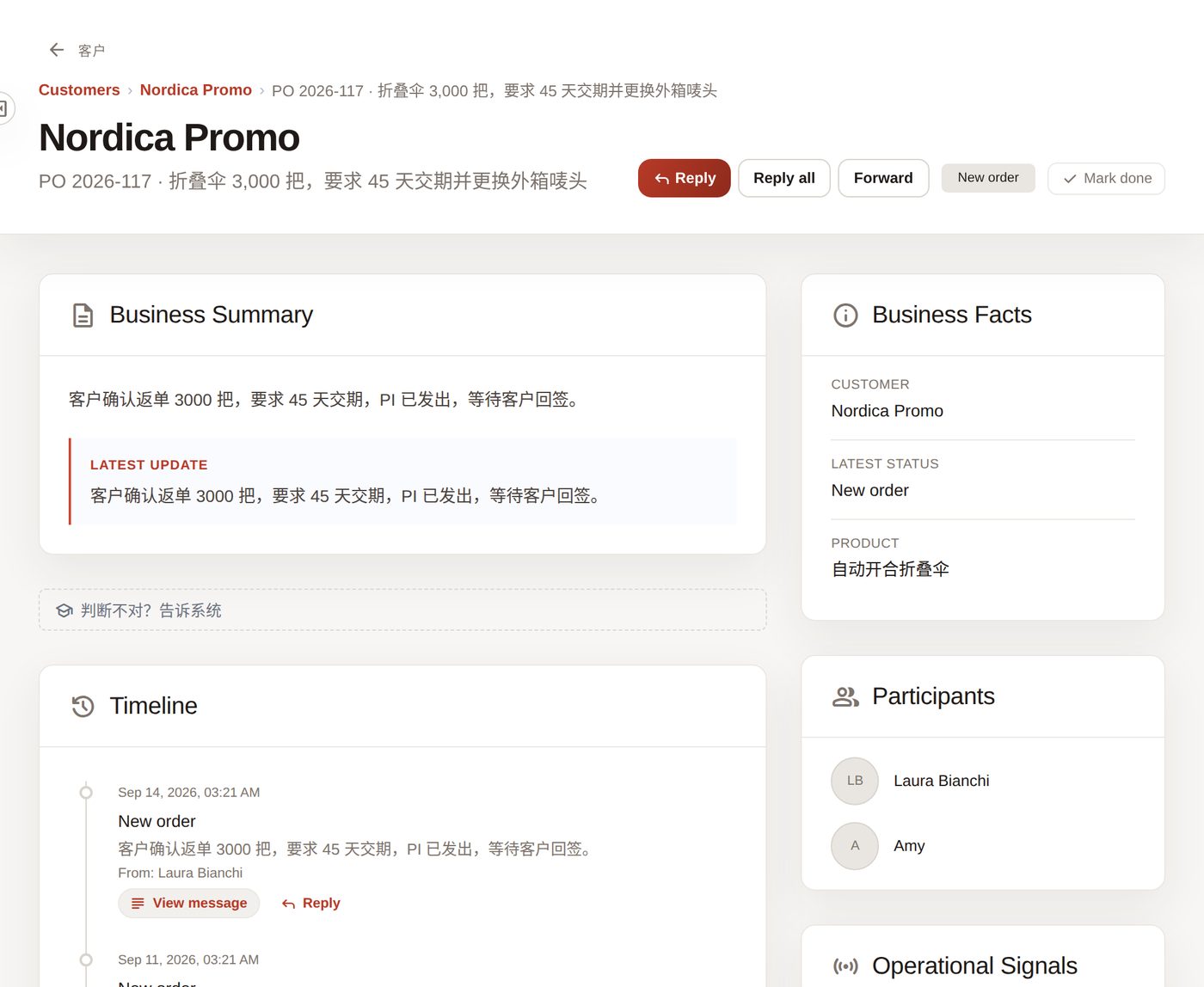
Real product screenshots, demo data.
Who got enquiries, who has orders, whose customers are waiting — one click to copy into your team chat.
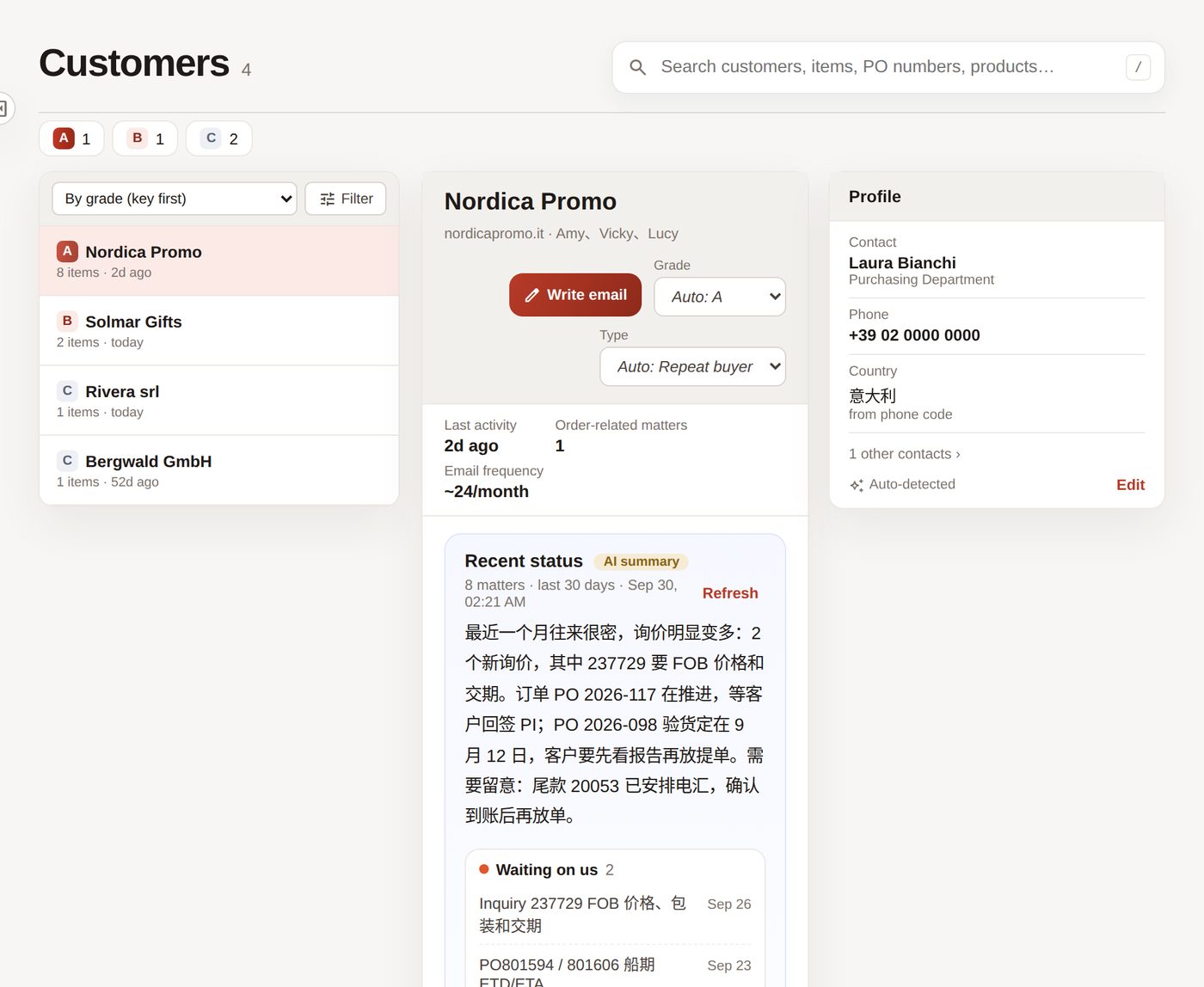
The last 30 days: what's waiting on us, what's moving, what to watch.
Business, needs review, marketing and system mail in their own places. Enquiries lost in the junk folder are fished out too.
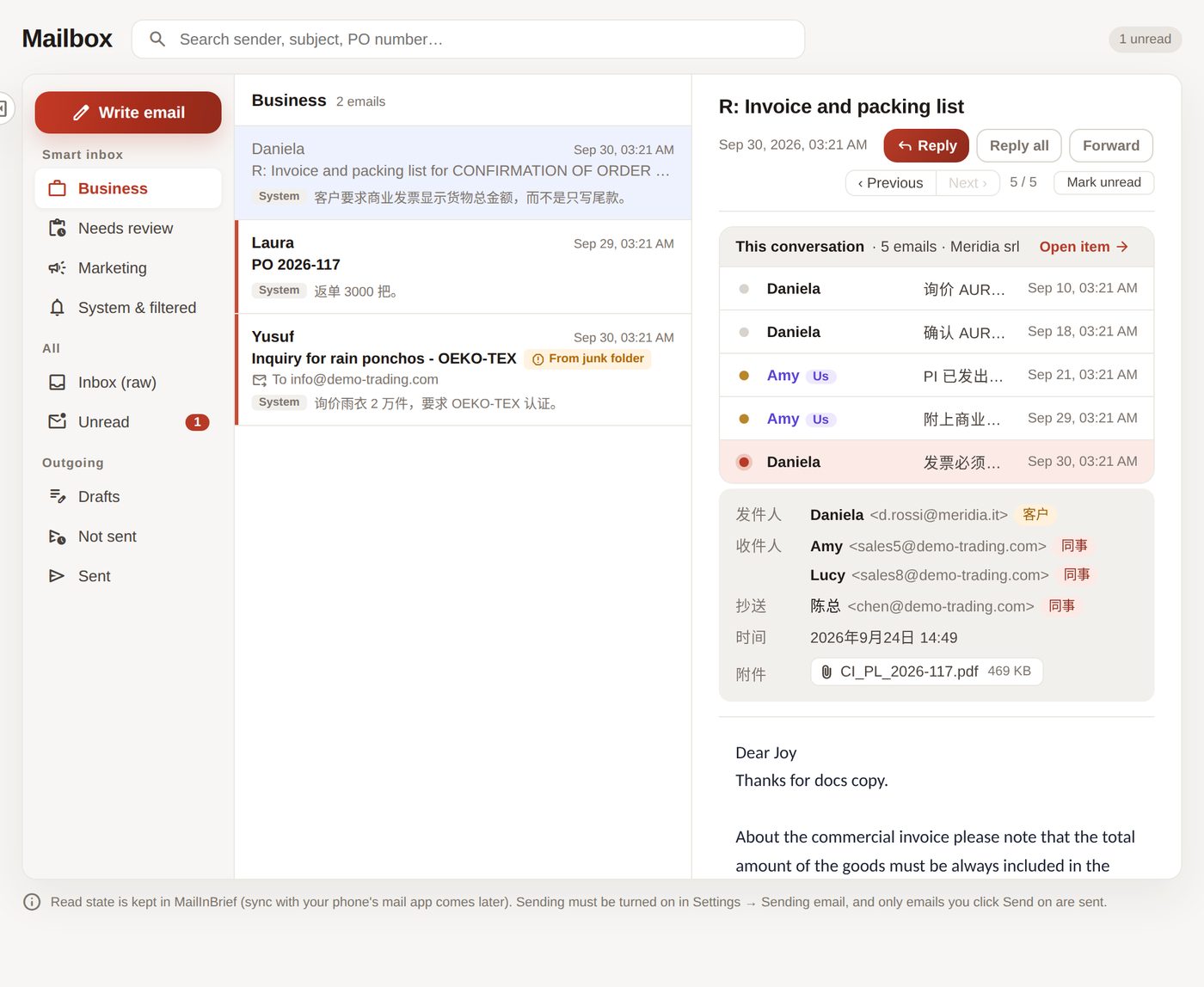
Dozens of emails, a new colleague, a renamed subject — still one matter.
No. IMAP read-only: nothing deleted, flagged or moved. Sending is off by default; once on, only the message you click Send on goes out. Disconnect any time.
Yes. Turn sending on in Settings; reply, forward or compose with your signature and logo added, recall within 10 seconds.
On servers in mainland China; analysis runs on Alibaba Cloud Model Studio (Qwen). Each company is isolated — only you can see yours.
No. Contact, title, phone and country are picked up from the other side's signature; edit anything that's off.
Uncertain emails are handed to you; your decision takes effect immediately. Flag a mistake and we tune it.
Email support@mailinbrief.com with your company name and the mailbox you use. We reply within one working day.
Send the email